

Boot Camp Recap
It’s been a busy week in the PR pubs world! For the past seven days, we have been going through what our instructor likes to call boot camp, and it definitely felt like even for this somewhat experienced designer! This week we’ve had an increased work load all to help us better understand the tools (InDesign and Photoshop) that we will be using throughout the semester.
Like I said, I consider myself somewhat experienced in the world of graphic design. In high school, I taught myself how to use InDesign, Photoshop and Illustrator as a learned to design the school newspaper. When I got to college, I still looked for opportunities to use these programs through PRSSA and other student organizations.
But no matter how experienced I am, I know I can always learn new tips and tricks to use these programs more efficiently, which was why this was such a beneficial week for me!
This week we have had three assignments: a type setting assignment, an elements of a newspaper assignment, a Photoshop tutorial on Lynda.com. All of these assignments were great refreshers! To see blog posts on the first two assignments, click the links above (to be provided later). We were asked to build the front page of a newsletter in the typesetting assignment. In the elements of a newspaper assignment we were asked to identify the elements of a newspaper or newsletter on a hard copy and then we were asked to what a tutorial on Lynda.com on Photoshop.
At first, I groaned inwardly because I kind of felt like I was going back to basics and that I didn’t need to do any of this stuff, but I did it anyway because someone is paying money for me to take this course. But as I got deeper into the work, the more I realized that even though this was beginner stuff, there was still a lot I had missed out on because I taught myself how to use these programs.
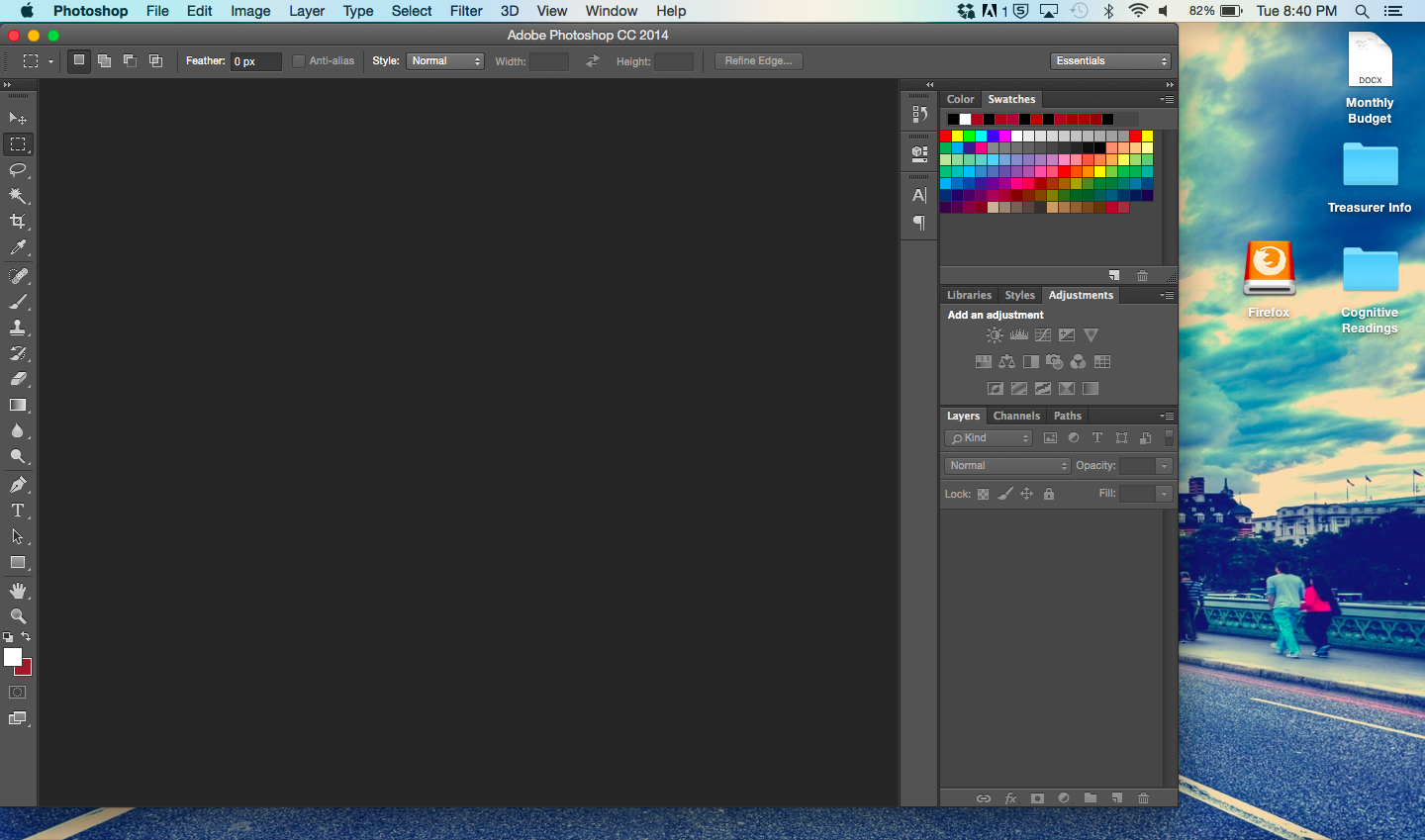
The best thing about this week was the Photoshop tutorial. If we’re being honest here, Photoshop is my least favorite of the Adobe CC products I know and it’s all because I don’t know how to use the program well and it intimidates me. So I loved how this tutorial helped me become more familiar with how and to use Photoshop in addition to great short cuts like “b” which will give you the brush tool and “[” which will make the size of your brush smaller and “]” which will make the size of your brush bigger!
Yay for learning knew tricks!


Comments