

Newsletter Design: Final Draft Reflection
Hello again!
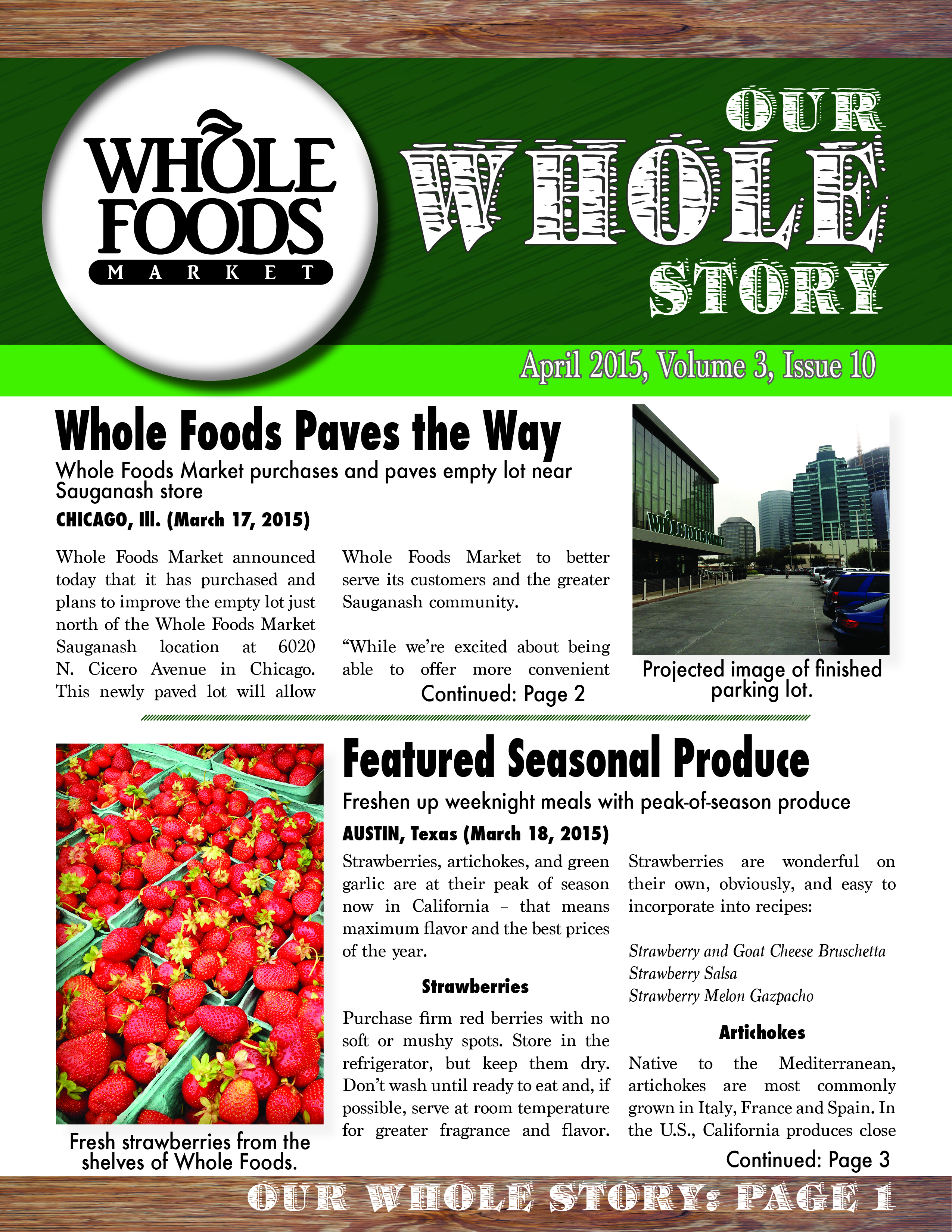
Last week, we were tasked with creating a dummy layout for a newsletter of a Fortune 500 company. I chose Whole Foods and created a mockup that now this week I was asked to fill in with actual stories, pictures and information.
And so I did!

-
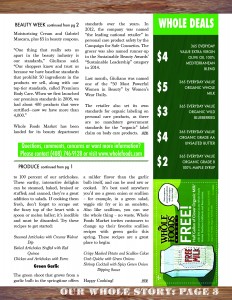
Page 3. Newsletter.


All in all, I tried to stick to my dummy layout, but as I spent more time working on the document, minor changes occurred. I took Professor Croom’s suggestion of inserting an image of wood as opposed to a graphic rendering of wood grain. Furthermore, I opened the sides of each page up by removing the wood frame from the sides of the pages. I felt that this gave me more room to place my text as well as opened the page up visually.
I attempted to emulate the color scheme of Whole Foods, but I felt that the wood grain was a nice touch that accentuated the branding of Whole Foods. I attempted to complement the green color scheme with bright red images on the front and back pages. In terms of text, I used Futura for headlines because I liked the bold sans-serif, and I used Marion for the body text because it is non-distracting and easy to read. I also found a font called Barrelhouse All Caps that I used for the title of the newsletter because it contained a type of wood grain effect.
I chose to design for an external target public. Therefore, I focused on topics that would be best received by Whole Foods demographic – primarily women ages 24-54. The topics that I chose were community, health, beauty and fashion. I also appealed to their budgets by including a sidebar with “WHOLE DEALS,” giving sales prices on certain items as well as a cutout coupon for a free gallon of milk. (thanks google).
Overall, I like the work that I have done. I felt that alignment was trickier on this assignment than on the last newsletter project we worked on. I noticed that my articles didn’t have a clear ending designed into my dummy layout, so I created a bit of a tag with the -WFM- which I concluded each article with as a way of “signing off.” One thing that I was not crazy about was justified text. Occasionally, a line would have spaces larger than the words themselves because of the justified text… #notafan
Finally, I definitely think that my target audience greatly affected my design and content. I had to appeal to a busy shopper, so I had to create a contrast with the green and wood and red on the front page. Whereas, if I were creating an internal document, I could have easily gotten away with a more “matter-of-fact” design choice. And, of course, the content changed because no employee of Whole Foods particularly needs to know about featured seasonal produce, just as the consumer public of Whole Foods doesn’t particularly care about a new computer program that will process payroll more efficiently.
Please let me know if you have any questions, comments or concerns about my design, I would be happy to answer them!
Until next time!
(P.S. Adam, I will try to come to Gaylord tomorrow before the deadline and get your opinion/feedback!)


Comments